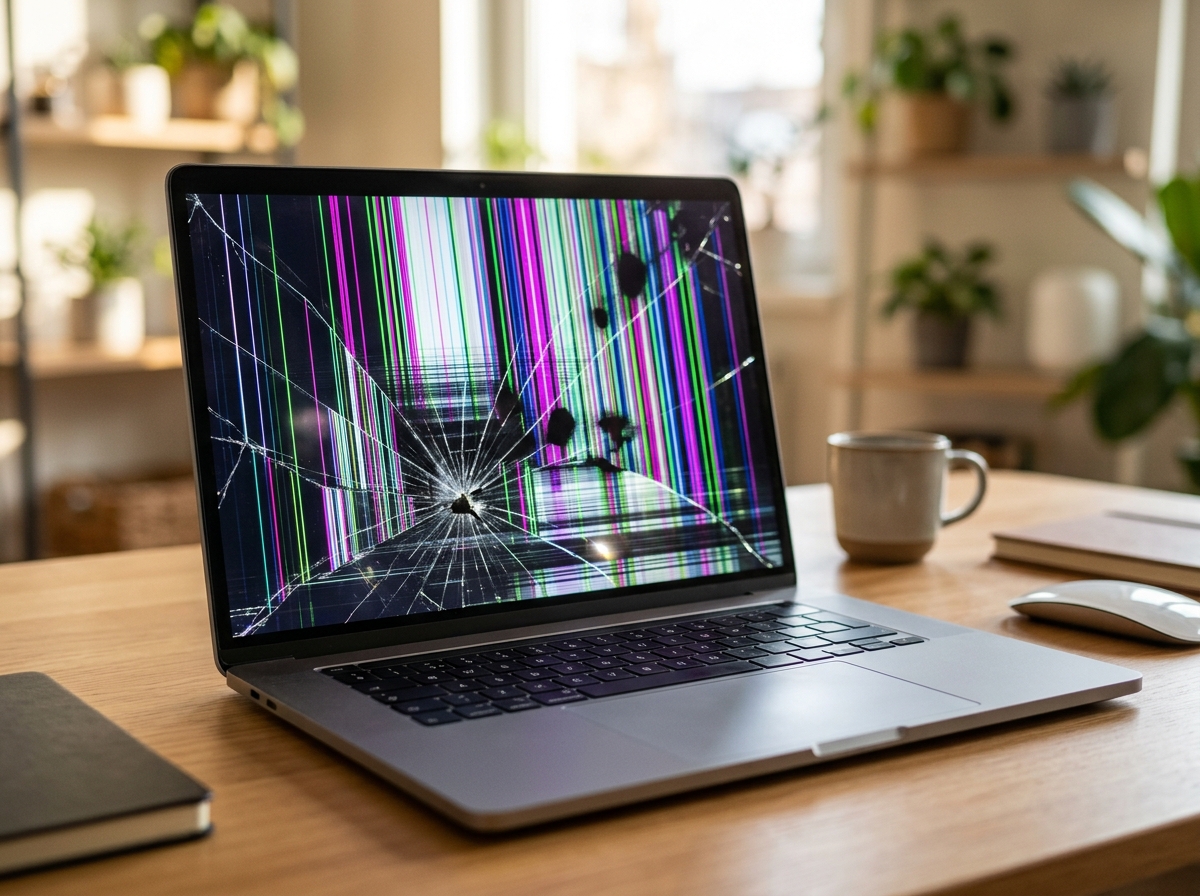
A damaged MacBook screen can be frustrating, especially when you depend on your laptop for work, school, or everyday activities. Whether the display is cracked, flickering, showing colored lines, or completely black, getting it repaired can help restore your device without purchasing a new one.
The cost of MacBook screen repair depends on several factors, including your MacBook model, screen size, type of damage, replacement part, and labor. A MacBook Air screen replacement may cost less than repairing a newer MacBook Pro with a larger or more advanced display.
For MacBook owners in Richardson, TX, understanding these factors can help you plan your budget and compare repair options. iPhone Fix Richardson provides MacBook repair services, including screen repair and replacement, to help customers address display problems.
How Much Does MacBook Screen Repair Usually Cost?
MacBook screen repair prices vary considerably. As a general budgeting estimate, independent repair shops may charge approximately $200 to $900 or more, depending on the model and replacement display required. Older models may have more affordable replacement options, while newer MacBook Pro models can cost significantly more.
Published repair-shop pricing data also shows a difference between MacBook Air and MacBook Pro repairs. One 2026 pricing survey reported typical starting prices of approximately $220 for MacBook Air screens and $444.50 for MacBook Pro screens. These are market observations, not guaranteed prices or local quotes.
Your actual repair cost may be higher or lower depending on the device and parts available. The best way to determine the price is to have your MacBook inspected before approving the repair.
What Factors Affect MacBook Screen Replacement Costs?
Several details determine how much you may pay for a screen repair.
1. MacBook Model and Year
The MacBook model is one of the biggest factors affecting replacement costs. Different generations use different display assemblies, and replacement parts are not interchangeable across every model.
For example, an older MacBook Air may have more affordable replacement options than a newer MacBook Pro. The model year, screen size, and exact device configuration can all affect parts availability and labor requirements.
Providing your model information helps a repair technician identify the correct replacement display.
2. Type of Screen Damage
Not every display problem requires the same repair.
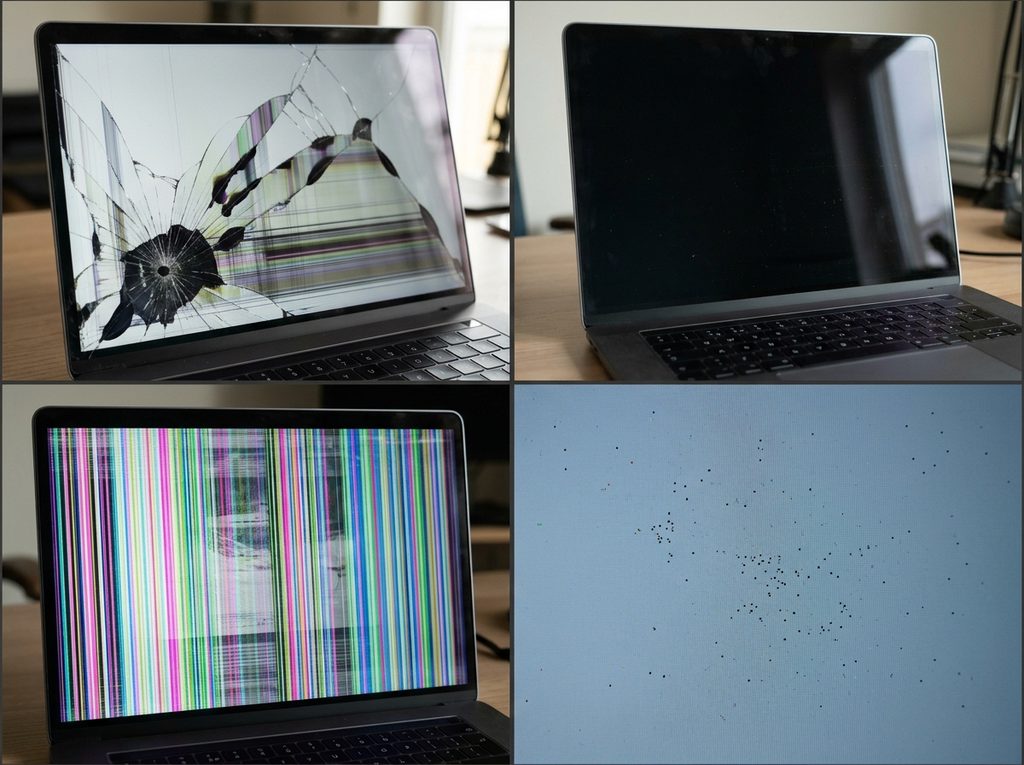
- Cracked screen: Physical cracks often require replacement of the display assembly.
- Black screen: The issue may involve the display, backlight, internal connection, or another hardware component.
- Flickering display: This can result from display damage, connection problems, or hardware faults.
- Colored lines or spots: These may indicate damage to the display panel.
- Dead pixels: Small areas that no longer display correctly may require a replacement screen.
A professional diagnosis helps determine whether the problem is limited to the display or involves additional hardware.
3. Replacement Screen Quality
The type and quality of the replacement display can influence the final price. Depending on the model, repair options may include genuine Apple parts, original-equipment components, or compatible aftermarket displays.
Different options can vary in brightness, color accuracy, compatibility, and overall performance. Ask the repair provider which type of screen will be installed and whether it is appropriate for your MacBook.
Choosing a replacement based only on the lowest price may not provide the best long-term value.
4. Labor and Additional Damage
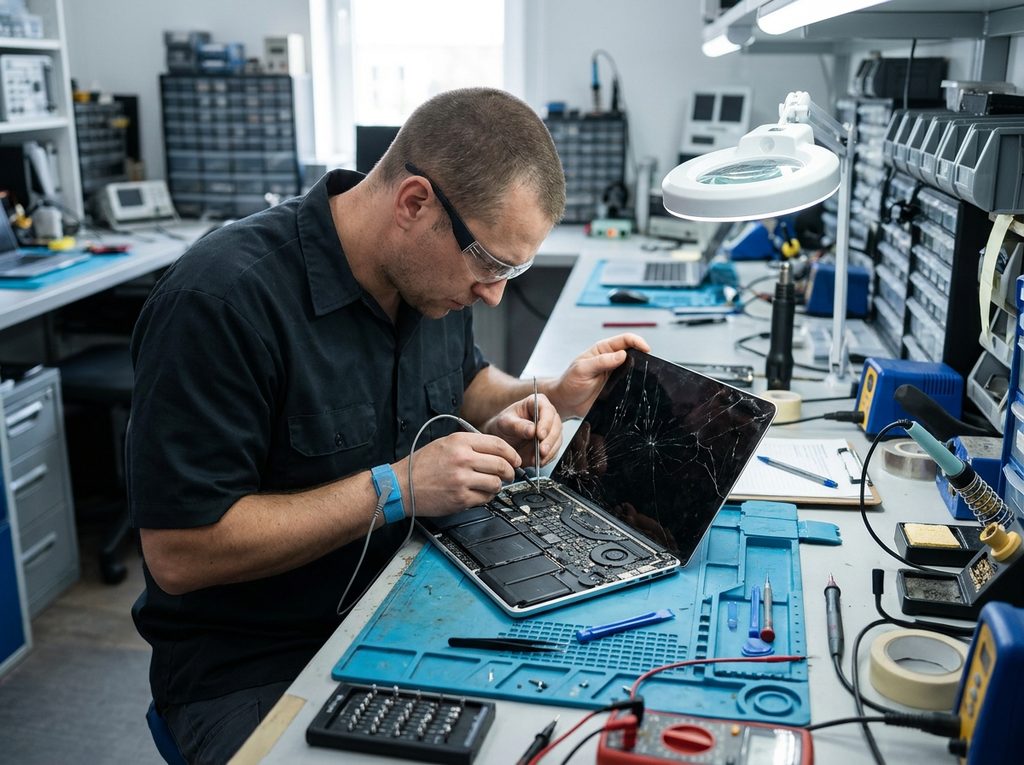
The repair process involves more than purchasing a replacement screen. A technician must inspect the device, carefully remove damaged components, install the replacement, and test the display.
Additional damage can increase the total cost. For example, a damaged hinge, bent display housing, or internal connection issue may require extra work.
This is why a repair estimate should account for the condition of the entire display assembly rather than just the visible crack.
Is MacBook Air Screen Repair Cheaper Than MacBook Pro Repair?
In many cases, yes. However, the exact difference depends on the generation and screen configuration.
MacBook Air screen repair: MacBook Air models generally have different display assemblies and parts requirements than Pro models. Older Air models may offer more affordable replacement options, while newer versions can still be expensive to repair.
MacBook Pro screen repair: MacBook Pro displays can cost more because of their screen size, display technology, and model-specific components. Larger displays and advanced configurations may increase the replacement price.
Before scheduling a repair, confirm the exact model and year. This helps the technician provide a more accurate estimate for your particular device.

Should You Repair or Replace a Damaged MacBook Screen?
Repairing a damaged screen can be a practical alternative to purchasing another laptop, particularly when the MacBook is otherwise functioning properly.
Consider these factors before making your decision:
- Age of the device: A relatively recent MacBook may be worth repairing.
- Overall condition: Check whether the battery, keyboard, ports, and other components work properly.
- Repair estimate: Compare the replacement cost with the current value of your MacBook.
- Additional damage: Multiple hardware problems may make replacement more practical.
- Your daily needs: Consider whether your existing MacBook still meets your performance requirements.
If the screen is the only major problem, repair may help extend the useful life of your laptop. If several expensive components are damaged, compare the total repair cost with the price of another device.
Does AppleCare+ Cover MacBook Screen Repair?
AppleCare+ may reduce the cost of eligible accidental damage repairs. Under Apple’s published U.S. AppleCare+ fees, accidental screen or enclosure damage for most Mac models carries a $99 service fee, while MacBook Neo has a different fee. Coverage terms and eligibility apply.
Without AppleCare+, the repair cost depends on the specific MacBook model and damage. Apple provides personalized estimates after evaluating the device, and authorized service providers may set their own service fees.
Before paying for a repair, check your AppleCare+ coverage and confirm whether the damage qualifies. You can also compare the available repair options.
Where to Get MacBook Screen Repair in Richardson, TX
If you are searching for MacBook screen repair near me, choosing a repair provider that understands Apple devices is important. The right technician should identify the cause of the display problem, explain the available replacement options, and provide a clear estimate before starting work.
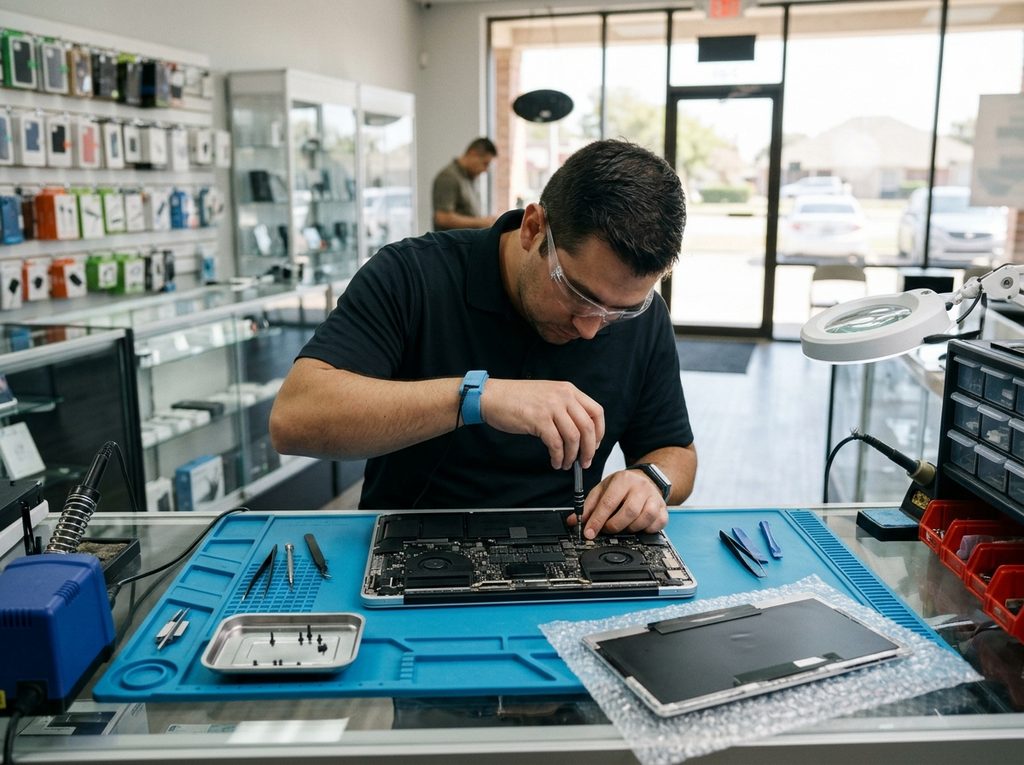
iPhone Fix Richardson offers MacBook screen repair and replacement services in Richardson, TX. Its repair services cover MacBook Air and MacBook Pro display issues, including cracked screens, flickering, dead pixels, and other visible display problems.
You can learn more about its MacBook screen repair and replacement services or visit the shop at 101 S Sherman St, Richardson, TX 75081.
Before scheduling, share your MacBook model and describe the screen issue. This helps the team understand your repair needs and provide information about the next steps.
Final Thoughts
The cost of repairing a MacBook screen depends on the model, display technology, damage, replacement part, and labor involved. MacBook Air repairs may be less expensive than some MacBook Pro repairs, but every device needs an individual assessment.
If your MacBook screen is cracked, flickering, or displaying unusual lines, getting it inspected can help you understand the repair options before spending money on a replacement laptop.
Contact iPhone Fix Richardson to discuss your MacBook screen issue and request a repair estimate.
Frequently Asked Questions
1. How much does it cost to replace a MacBook screen?
The cost can range from a few hundred dollars to more than $900, depending on the model, screen size, parts, and labor. An inspection is needed for an accurate quote.
2. Is MacBook Air screen repair cheaper than MacBook Pro repair?
It can be. MacBook Pro displays may cost more because of their size and technology, but the exact price depends on the model and replacement part.
3. Can a cracked MacBook screen be repaired without replacement?
Some display issues may have causes that do not require a complete screen replacement. However, physical cracks in the display usually require replacing the damaged display assembly.
4. How long does MacBook screen repair take?
Repair time depends on the model, damage, and replacement part availability. Ask the repair provider for an estimated turnaround time after the inspection.
5. Is it worth repairing an older MacBook screen?
It depends on the laptop’s overall condition, current value, and repair estimate. Compare the repair cost with the price of a suitable replacement device before deciding.