An iPad is useful for work, school, entertainment, and staying connected. But when its screen cracks, stops responding, or starts displaying unusual lines, using the device can quickly become frustrating. Even a small crack can affect touch sensitivity and make everyday tasks difficult.
If you are wondering whether your damaged tablet needs iPad screen repair, the answer depends on the type and extent of the damage. Some problems affect only the outer glass, while others involve the display or internal components. Understanding the symptoms can help you decide what to do next.
For iPad owners in Richardson, TX, iPhone Fix Richardson offers iPad repair services, including screen repairs and replacements. Here is what to know about screen damage, repair options, costs, and choosing a local repair shop.
How Do You Know If Your iPad Needs Screen Repair?
Not every screen problem looks the same. A tablet may have visible physical damage, display issues, or touchscreen problems without obvious cracks.
Here are common signs that your iPad may need professional attention.
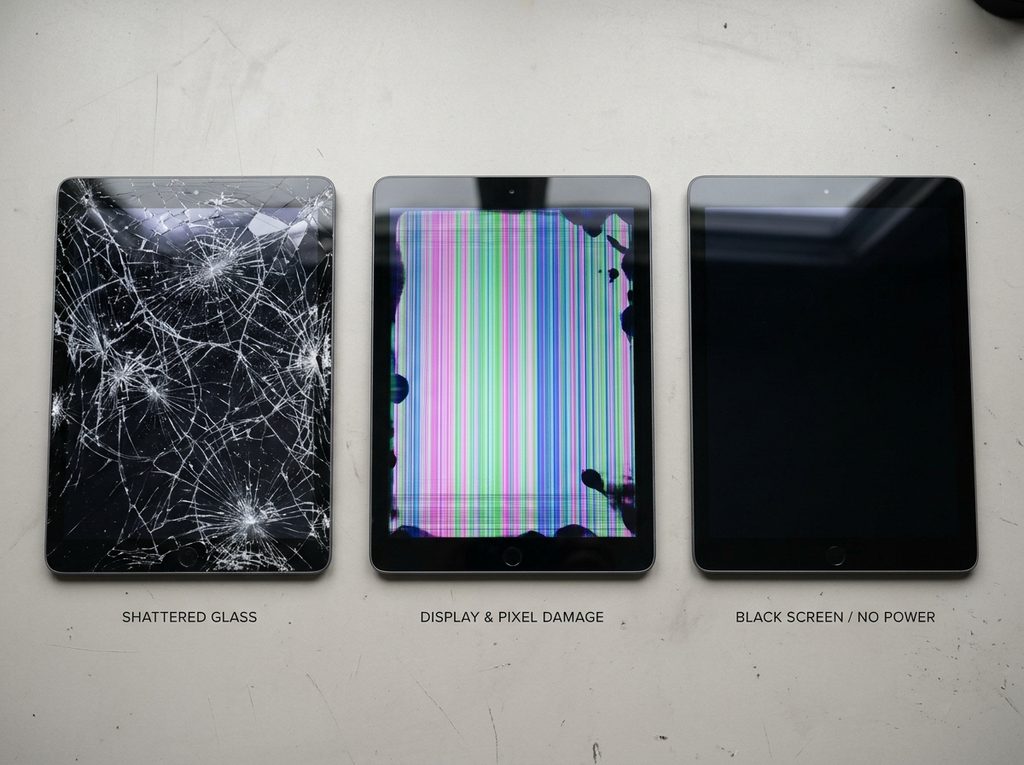
1. Cracked or Shattered Glass
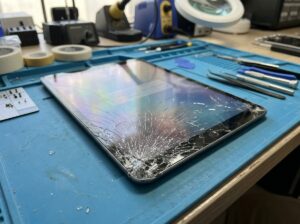
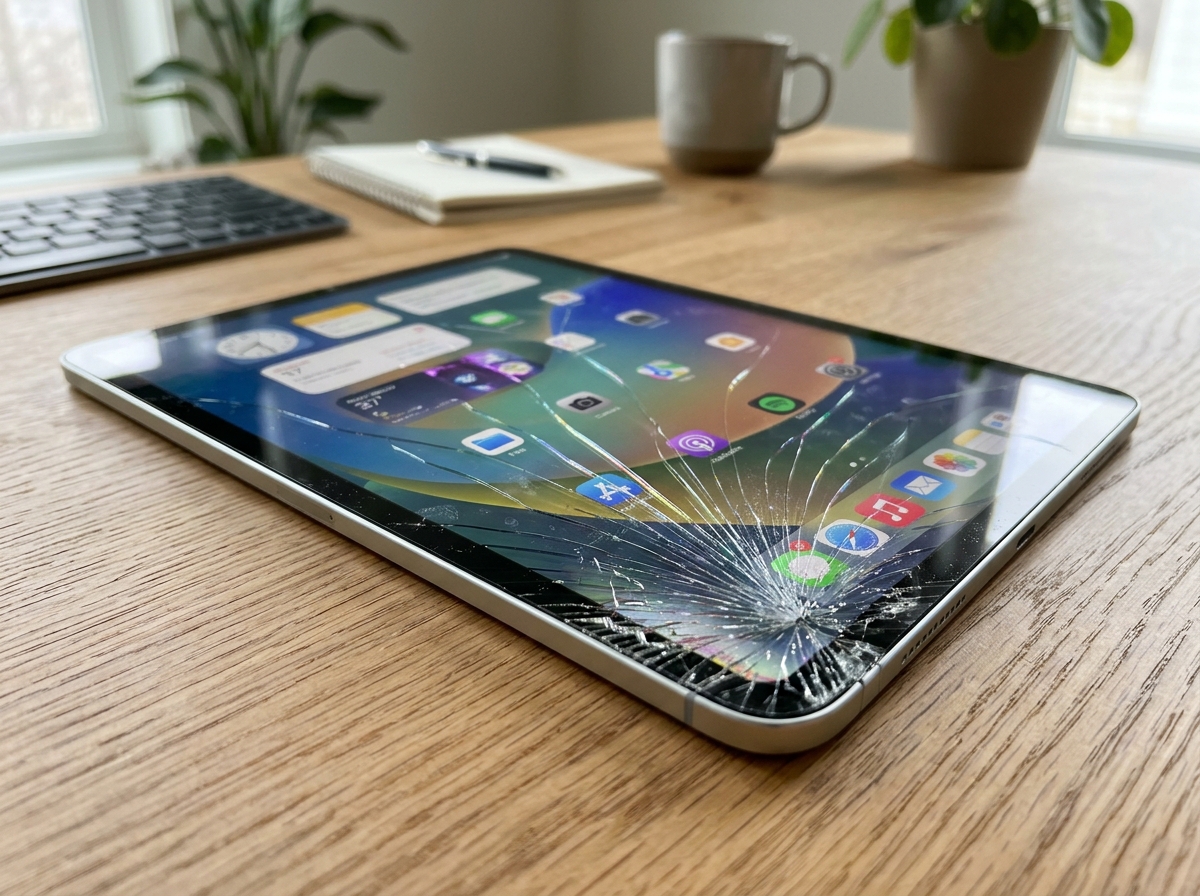
A drop or accidental impact can crack the glass covering your iPad screen. You might notice a small crack in one corner, several lines across the display, or completely shattered glass.
Even if the tablet still turns on, broken glass can make it uncomfortable or unsafe to use. Small fragments may also become loose, so avoid pressing hard on damaged areas.
2. Touchscreen Is Not Responding
If your iPad does not respond properly when you tap, swipe, or type, the touchscreen may be damaged.
Common symptoms include:
- Certain areas not responding to touch
- Delayed responses when opening apps
- Unwanted touches or random screen activity
- Difficulty typing or navigating
A technician can inspect the device to determine whether the issue involves the screen assembly or another component.
3. Lines, Spots, or Display Discoloration
Vertical lines, dark spots, flickering, and unusual colors can indicate display damage. These problems may appear after dropping the iPad or putting pressure on its screen.
If the display becomes difficult to read, professional diagnosis can help identify whether a screen replacement is necessary.
4. Black Screen or No Display
Sometimes an iPad powers on, makes sounds, or responds to buttons but displays nothing. This may indicate a display-related problem, although software or internal hardware issues can also cause similar symptoms.
A proper inspection is important before deciding which repair is needed.
Can You Repair an iPad Screen Instead of Replacing the Device?
In many cases, repairing the screen is worth considering before purchasing another iPad. A damaged display does not necessarily mean the entire tablet has stopped working.
The right option depends on the model, screen condition, availability of suitable replacement parts, and overall device performance.
For example, an iPad with a cracked screen but otherwise normal operation may be a good candidate for screen replacement. However, if the device also has battery, charging, or internal hardware problems, those issues should be considered when comparing repair costs.
A professional inspection helps determine whether repairing an iPad screen is a practical option.
What Affects iPad Screen Repair Cost?
One of the most common questions people ask is about iPad screen repair cost. There is no single price for every iPad because repair requirements vary by model and damage.
Several factors influence the final estimate.
iPad Model
Different iPad models use different screen designs and components. An iPad Mini, standard iPad, iPad Air, and iPad Pro may have different replacement requirements.
Extent of Screen Damage
A minor glass crack may require a different repair approach than a damaged display with black spots, lines, or touch problems.
Replacement Part Availability
The availability and cost of compatible replacement components can affect the repair estimate. Ask the repair provider what type of part will be used.
Additional Hardware Problems
A drop can sometimes damage more than the screen. If the frame is bent or internal components are affected, additional work may be necessary.
For an accurate Apple iPad screen repair cost, provide the exact model and explain the symptoms when requesting a quote. Apple also provides model-specific service estimates and explains that final fees depend on device inspection and service eligibility.
Does iPad Mini or iPad Pro Screen Repair Differ?
Yes. Although the general repair process may be similar, the screen components and repair requirements differ across iPad models.
iPad Mini Screen Repair
The iPad Mini has a compact design, making it convenient for reading, travel, and everyday use. A cracked screen, touch issue, or display malfunction can make it difficult to use comfortably.
iPad Mini screen repair should begin with identifying the exact generation and assessing the damage. This helps determine the appropriate replacement option.
iPad Pro Screen Repair
The iPad Pro is designed for demanding tasks such as creative work, productivity, and entertainment. Screen problems can interfere with drawing, editing, multitasking, and other activities.
iPad Pro screen repair may involve more specialized components depending on the model. Always confirm the exact device version before requesting an estimate.
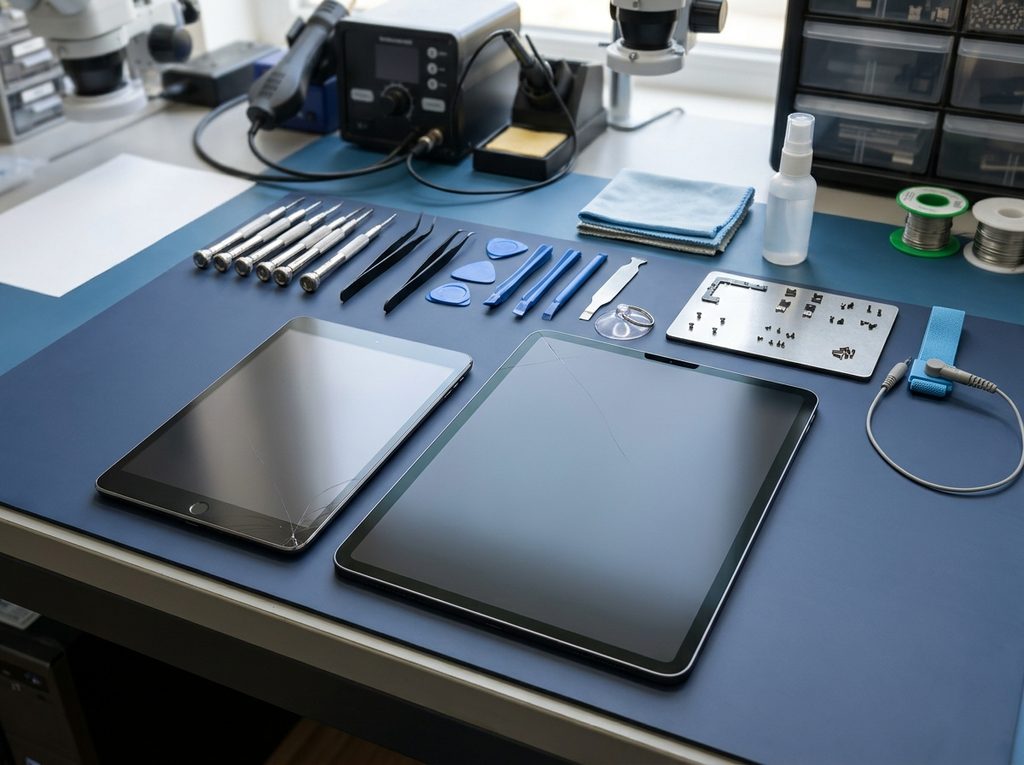
What Happens During an iPad Screen Repair?
Understanding the repair process can make the experience less stressful. While the exact procedure depends on the iPad model, a typical repair involves several steps.
- Initial inspection: The technician examines the screen and checks the reported symptoms.
- Damage assessment: They determine whether the problem involves the glass, display, touchscreen, or another component.
- Repair estimate: You receive information about the recommended work and its expected cost.
- Screen repair or replacement: If you approve the work, the damaged component is addressed using suitable replacement parts.
- Testing: The device is checked for display quality, touch response, and basic functionality.
Before handing over your tablet, back up important information if possible. Also, ask about the expected turnaround time and any warranty that applies to the repair.
Where Can You Get iPad Screen Repair Near Me in Richardson, TX?
If you are searching for iPad screen repair near me, repair iPad screen near me, or cracked iPad screen repair near me, choosing a reliable local repair provider matters.
Look for a shop that:
- Works with your specific iPad model
- Explains the recommended repair before starting
- Provides a clear price estimate
- Uses appropriate replacement components
- Tests the device after completing the repair
- Explains its repair warranty and conditions
iPhone Fix Richardson provides iPad repair services in Richardson, TX, including screen repairs and replacements. Its website also lists battery, charging port, camera, and water damage repair services.
You can learn more about its iPad screen repair and replacement services or visit the shop at 101 S Sherman St, Richardson, TX 75081.

Is Cheap iPad Screen Repair Worth It?
Searching for cheap iPad screen repair or cheap iPad screen repair near me is understandable, especially when an unexpected repair affects your budget. However, choosing an option based only on the lowest advertised price may not be the best decision.
Before agreeing to a repair, ask what the estimate includes. Confirm the replacement part type, labor charges, expected completion time, and warranty terms.
A lower quote may not include the same components or service as another provider’s estimate. Comparing the details helps you understand the actual value of the repair.
The goal is to find a reasonable price while making sure the repair meets your device’s needs.
Final Thoughts
A cracked, unresponsive, or malfunctioning iPad screen can interrupt your daily routine, but replacing the entire device may not be necessary. The right solution depends on your iPad model, the type of damage, and the condition of its other components.
If you need iPad screen repair in Richardson, TX, contact iPhone Fix Richardson to discuss the symptoms, request an estimate, and find out which repair option is suitable for your device.
Frequently Asked Questions
1. Can a cracked iPad screen be repaired?
Yes. Many cracked iPad screens can be repaired or replaced. The appropriate option depends on the model and extent of the damage.
2. How much does iPad screen repair cost?
The cost depends on the iPad model, replacement components, and damage. Contact a repair provider with your exact model for an estimate.
3. How long does iPad screen repair take?
Repair time varies depending on the model, parts availability, and damage. Ask the shop for an estimated turnaround time before scheduling.
4. Can I use my iPad with a cracked screen?
You may still be able to use it, but broken glass can worsen and may cause touch or display problems. Avoid pressing damaged areas and arrange an inspection.
5. Do you repair iPad Mini and iPad Pro screens?
iPhone Fix Richardson lists iPad screen repair and replacement services. Contact the shop to confirm availability for your specific iPad Mini or iPad Pro model.